How to Update Free Fire Panel to the Latest Version
Update Free Fire Panel safely: check your version, install over the existing app, and keep your sensitivity setup exactly as you tuned it.
Read more
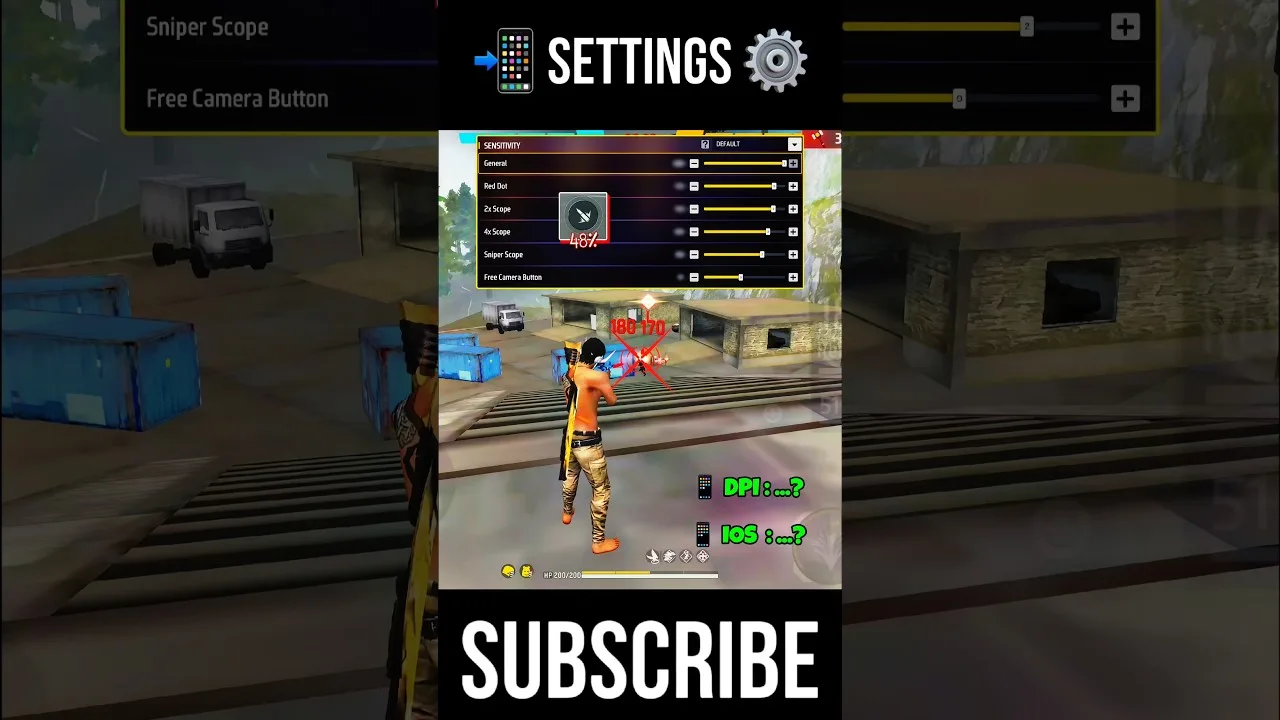
Aim rarely collapses because a player lacks talent. It collapses because a reasonable-sounding habit quietly sabotages the setup — and the same five habits account for nearly every ruined tuning session we hear about. This checklist names them, explains the mechanism of each failure, and pairs each with its correction, for players working in Free Fire Panel aim mistakes territory: close to a good setup, undermining it unknowingly.
Audit yourself honestly. Most players will recognise at least two residents.
A skilled player's values encode their phone's size, their DPI, their grip, and thousands of hours of their muscle memory. Transplanted to your smaller screen and your hands, identical numbers describe a different setup — the familiar 'fast but wrong' feeling is that arithmetic announcing itself.
Import the relationships instead: how far their scopes sit below their general, how the ladder descends. Structure scales across devices; endpoints do not. Then calibrate the level on your hardware by the method in our beginners' guide.
After a bad match, changing everything feels decisive. It is actually amnesia as a strategy: with five variables moved, no result — good or bad — can be attributed, so nothing is learned, and the next panic changes five more. The setup random-walks while muscle memory, which needs a stable world, never forms.
One slider, small step, full session, verdict. Slower for a week, faster forever. The testing routine that makes patience painless is our training testing guide.
Maximum sensitivity promises speed and delivers overshoot; minimum promises control and delivers arriving late to every fight. Extremes are usually misdiagnoses — frame drops, a small screen, or plain impatience — dressed as slider decisions.
When an extreme starts looking attractive, interrogate the device first. Our low-end phone guide exists because hardware problems impersonate sensitivity problems every single day.
An hour spent perfecting the 4x while general sensitivity — the value underneath every drag, turn, and close fight — sits wherever it began is decoration before foundations. The ladder has an order for a reason: general, red dot, then scopes, each tuned relative to the last.
The order and the reasoning are set out in our sliders explained guide. Follow the ladder and scope work suddenly becomes quick, because it is refining instead of compensating.
The most expensive mistake is the quietest: finding a genuinely good setup and writing nothing down. One reset, one update, one borrowed phone later, the best configuration you ever owned is a rumour you tell teammates.
The correction costs six numbers and a date in a notebook. Pair it with the restore routine in our backup and restore guide and the loss becomes permanently impossible.
Copied endpoints, simultaneous changes, extremes, inverted order, missing records — five habits, five corrections, none of them talent. Fix the process and the numbers follow, because they were following the process all along.

Update Free Fire Panel safely: check your version, install over the existing app, and keep your sensitivity setup exactly as you tuned it.
Read more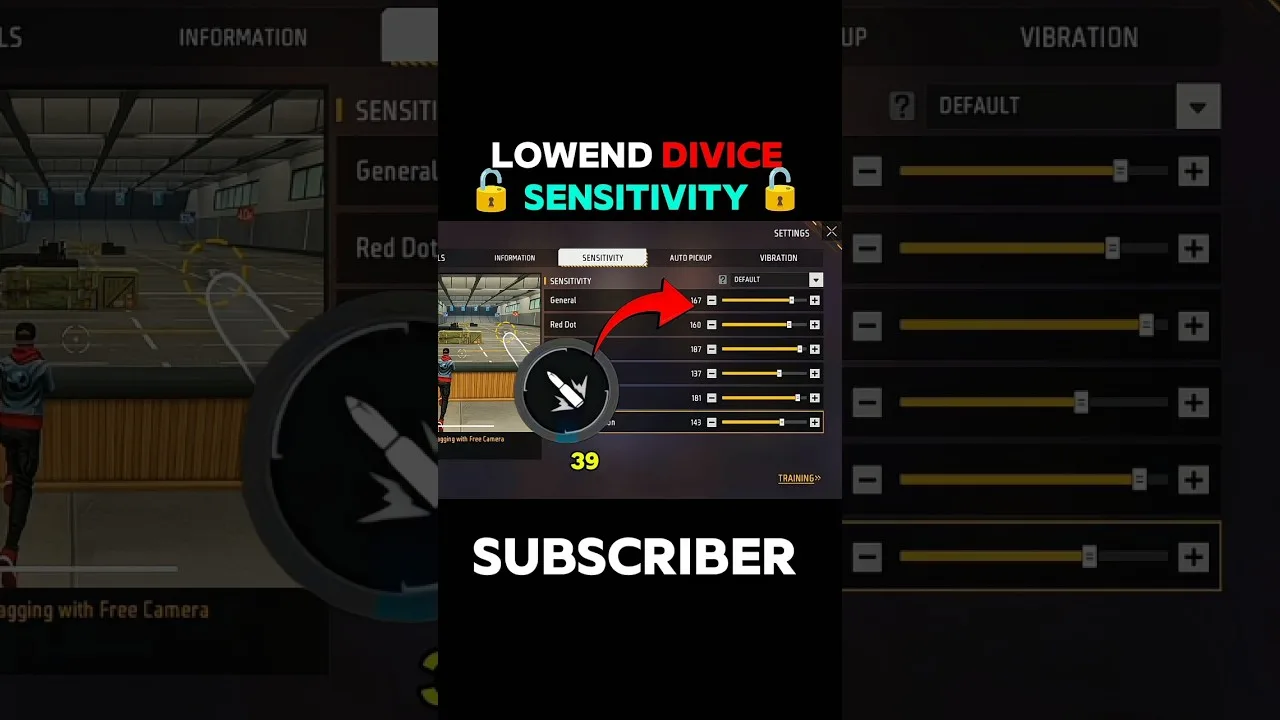
Beginner sensitivity tuning with Free Fire Panel: what the settings mean, a safe starting method, and how to reach a setup that is truly yours.
Read more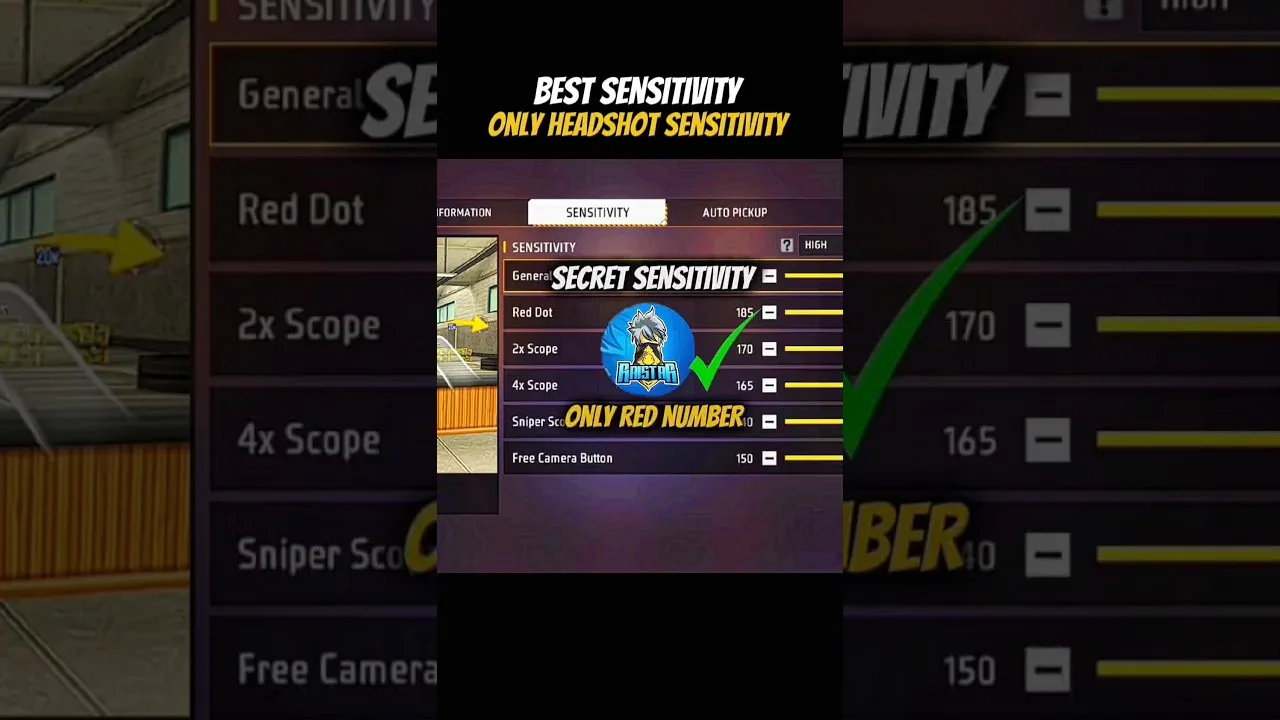
Configure Free Fire Panel for cleaner drag headshots: the general and red dot relationship, testing at two distances, and the practice that converts settings into skill.
Read more