How to Update Free Fire Panel to the Latest Version
Update Free Fire Panel safely: check your version, install over the existing app, and keep your sensitivity setup exactly as you tuned it.
Read more
Budget phones change the tuning problem in ways you can name and therefore fix: smaller screens compress swipes, touch panels track less faithfully, and unstable frame rates make even good settings feel inconsistent. Working with Free Fire Panel on budget phones means compensating for those three facts deliberately, instead of pasting in a flagship configuration and blaming your thumbs for the result.
First, an act of separation: performance problems and sensitivity problems are different problems. If the game stutters, free storage, close background apps, and restart before touching a single slider — sliders cannot repair frame drops.
A swipe crosses a larger fraction of a small display, so a given value moves the crosshair further than it would on a large phone. Budget devices trend small, and that is the mechanical reason large-screen values feel frantic on them.
Expect your comfortable values to sit somewhat lower than big-screen references, and calibrate the drag at your real distances rather than importing anyone's endpoint. The complete hardware picture — size, DPI, touch — is our phone size and DPI guide.
Muscle memory learns a world that behaves consistently. A phone that delivers smooth frames in the lobby and stutters in fights teaches your hands two games at once, and your aim pays for both. Modest, stable graphics settings are a sensitivity decision: they make the device predictable, and predictability is what tuning actually tunes.
If the system offers touch-sensitivity enhancements, test one in training with counted drills before adopting it. Novelty feels like improvement for exactly one session; scores are harder to fool.
Tune general and red dot by the two-distance drag test, keep the scope ladder conservative, and change at most one value per day. Modest hardware punishes constant adjustment more harshly than flagships, because device inconsistency keeps impersonating setting effects.
The patient method in our beginners' guide — middle start, small steps, written notes — was practically designed for this hardware class. Your notebook is the instrument that separates the phone's moods from your settings' merits.
Good tuning extracts everything a device has. If performance fixes and disciplined tuning still leave fights unstable, the ceiling is the hardware, and naming that honestly saves months of self-blame. Even a modest newer phone will then feel transformative — and your method, notes, and slider relationships all transfer, so nothing you learned is wasted.
Stabilise performance, expect lower values on a small screen, prize consistency over spectacle, and tune with notes. Budget hardware rewards exactly the virtues competitive players need anyway: patience, method, and measurement.

Update Free Fire Panel safely: check your version, install over the existing app, and keep your sensitivity setup exactly as you tuned it.
Read more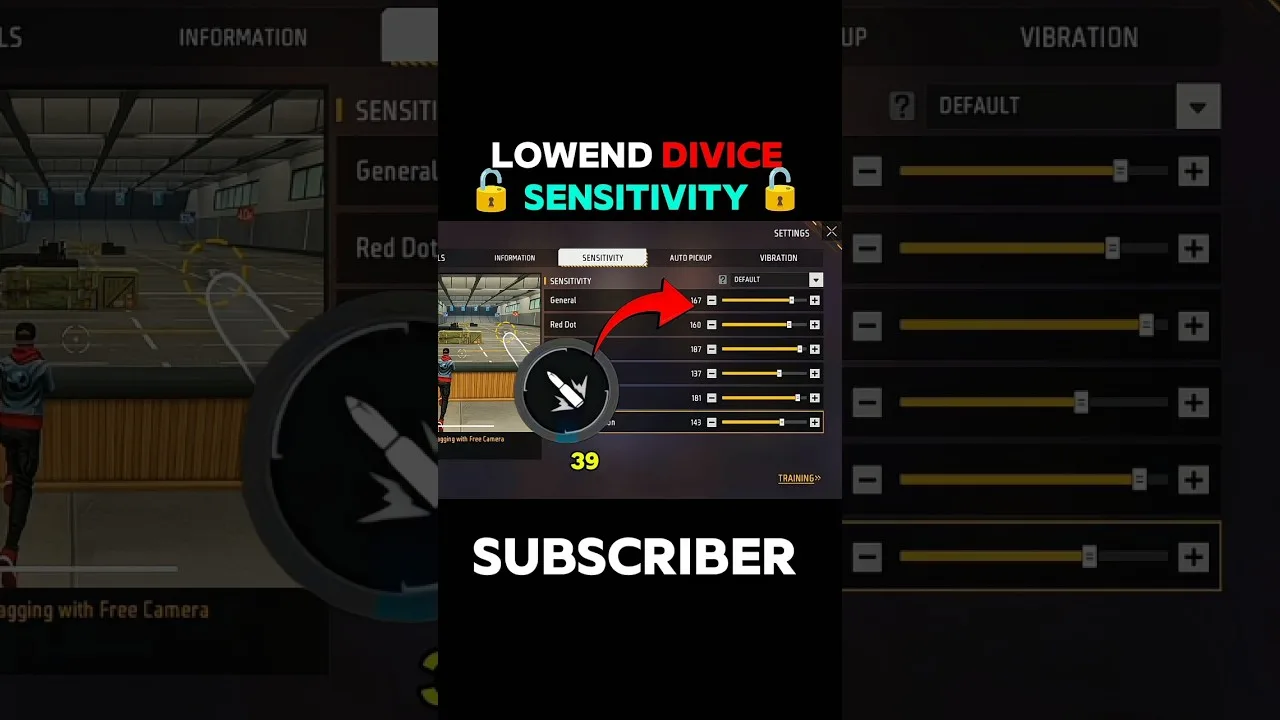
Beginner sensitivity tuning with Free Fire Panel: what the settings mean, a safe starting method, and how to reach a setup that is truly yours.
Read more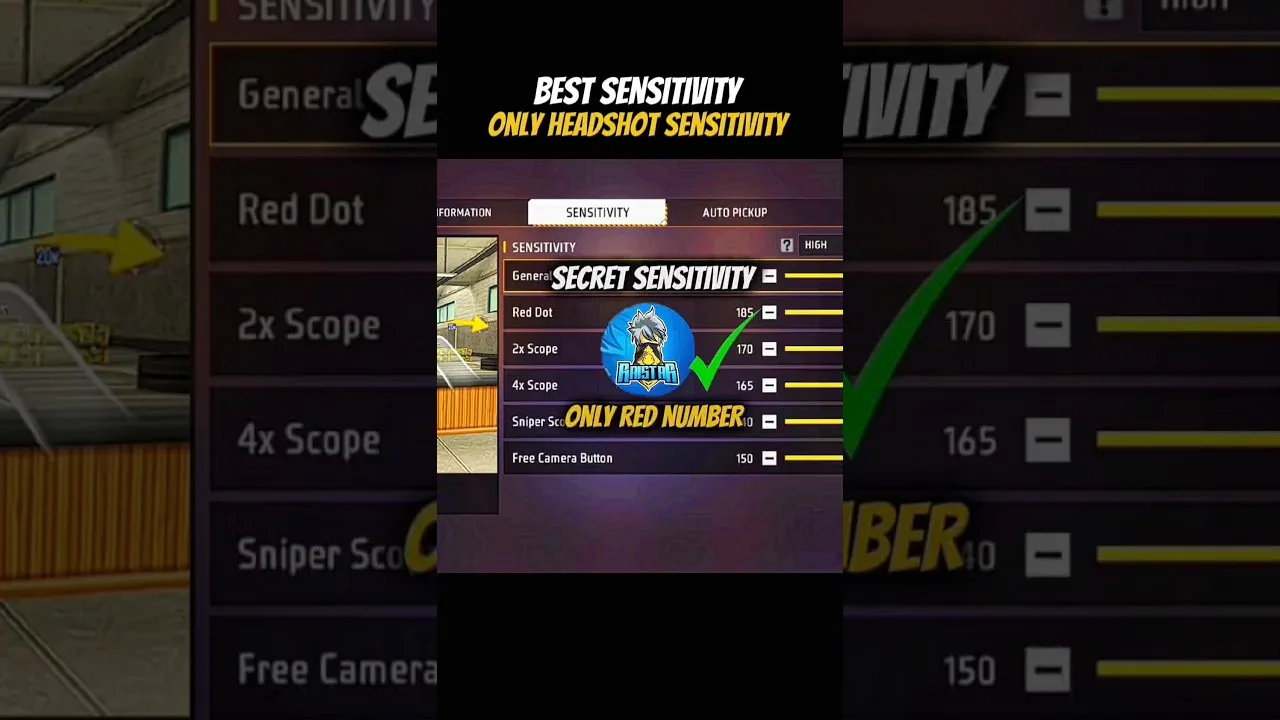
Configure Free Fire Panel for cleaner drag headshots: the general and red dot relationship, testing at two distances, and the practice that converts settings into skill.
Read more