How to Update Free Fire Panel to the Latest Version
Update Free Fire Panel safely: check your version, install over the existing app, and keep your sensitivity setup exactly as you tuned it.
Read more
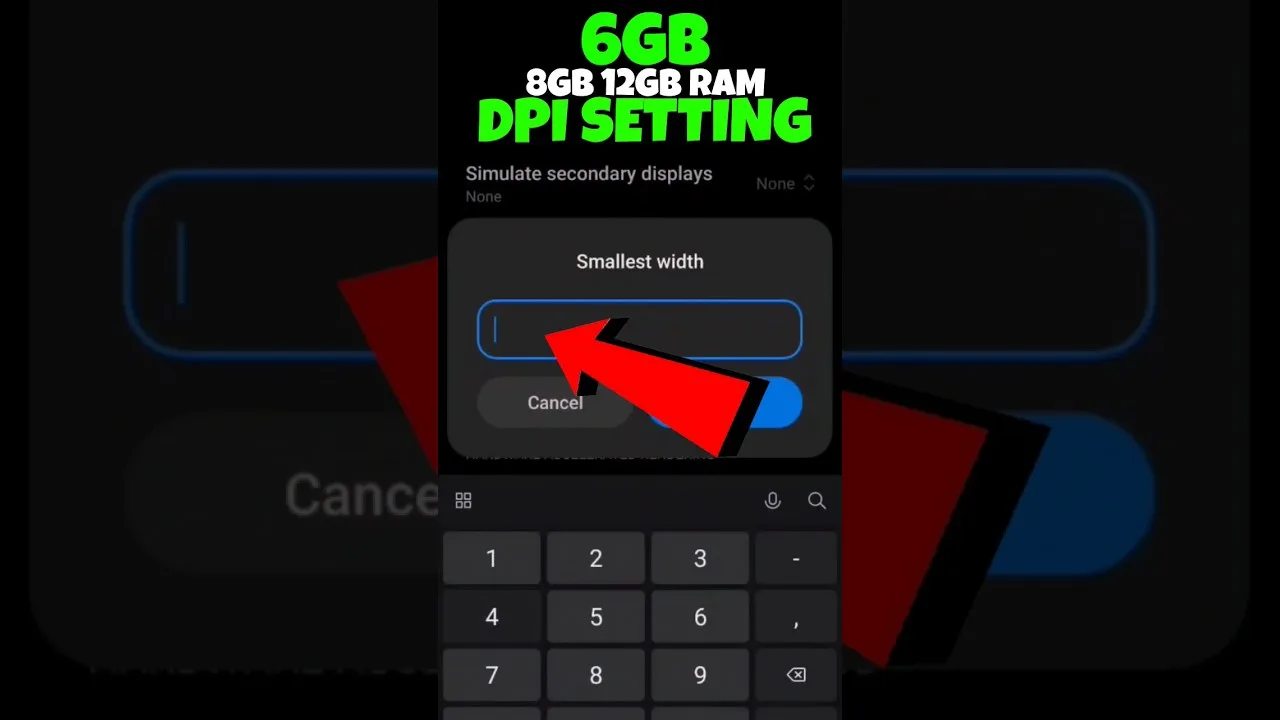
Carry your exact values to a different phone and they will feel wrong — a little on some devices, dramatically on others. That is physics, not imagination: sensitivity numbers only acquire meaning against physical hardware, and the hardware changed. Three factors do most of the work — screen size, DPI, and touch behaviour — and understanding them turns a phone upgrade from a month of lost aim into an afternoon of recalibration with Free Fire Panel DPI guide principles.
The transferable asset is never the numbers. It is the method and the relationships between your sliders.
A value describes movement relative to a display. The same swipe crosses more of a small screen than of a large one, so identical settings produce quicker-feeling aim on compact phones. Players moving up to a large phone often conclude their setup 'got slower' and raise everything — when in fact the canvas grew and the relationship simply needs re-measuring.
Measure it directly: the two-distance drag test from our training testing guide reads the new relationship in fifteen minutes, no guessing required.
Android's display-size DPI setting changes how interface elements scale and how movement is reported, which can shift the effective feel of every slider at once. Raising it is a popular experiment — smaller interface, different movement feel — with real costs: smaller touch targets, and extra rendering load that modest phones feel in fights.
If you try it, change DPI alone, record the factory value first, and re-run your drills before touching any slider. Two simultaneous changes produce one unreadable result. Players on budget hardware should weigh the load warning in our low-end phone guide before experimenting.
Phones sample your thumb at different rates, and the specification rarely appears on the box. Lower sampling makes fast drags feel steppy rather than smooth — a hardware trait that players chronically misdiagnose as a slider problem and chase with ever-higher values, making control worse.
System touch-sensitivity options, where offered, deserve one scored training session of evaluation. Keep them only if the drills improve; novelty is not evidence.
Start from your recorded values — the right neighbourhood, if not the right address. Re-run the drag test at two distances; adjust general, then red dot; verify the scope ladder feels like one family; record the new set under the new device's name and date.
Executed calmly, that is the whole ritual behind players whose aim survives every upgrade. It is also why the record matters, which our backup and restore guide treats as the main event.
Size scales your swipes, DPI resets the ruler, touch hardware sets the fidelity ceiling. Know the three, keep written values, recalibrate by measurement — and your aim becomes property you own outright, instead of a feature of one particular phone.

Update Free Fire Panel safely: check your version, install over the existing app, and keep your sensitivity setup exactly as you tuned it.
Read more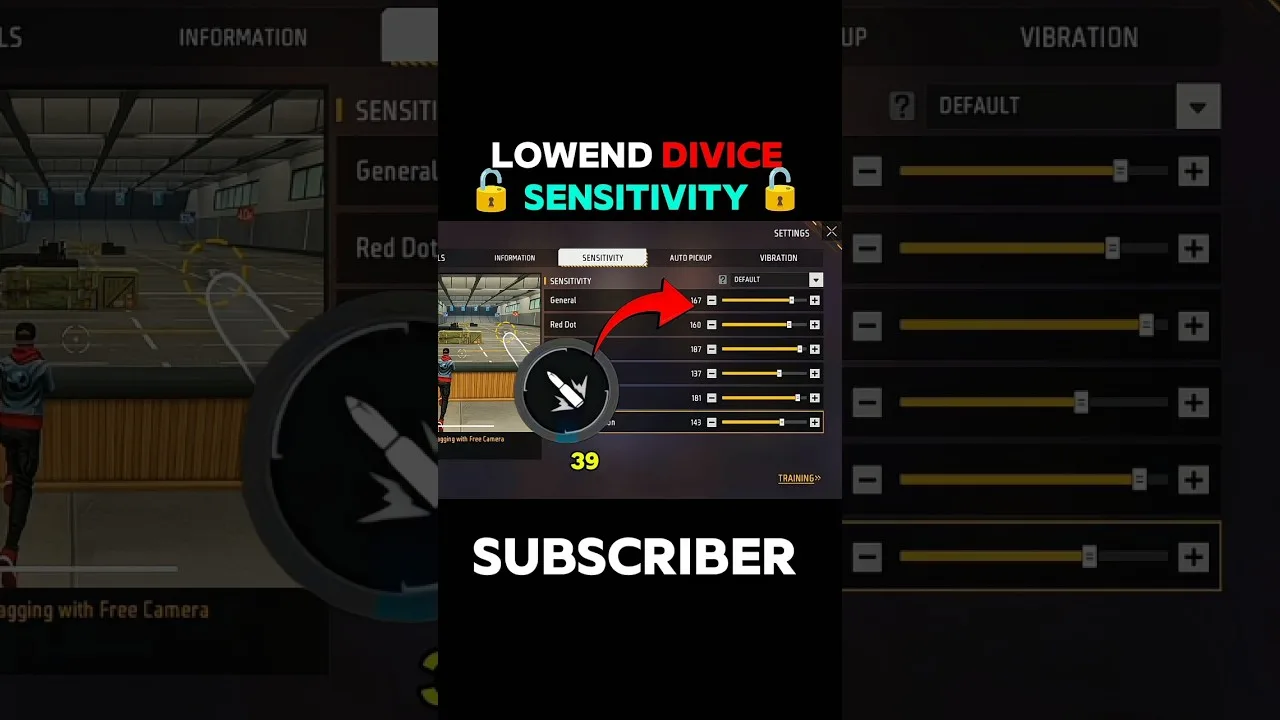
Beginner sensitivity tuning with Free Fire Panel: what the settings mean, a safe starting method, and how to reach a setup that is truly yours.
Read more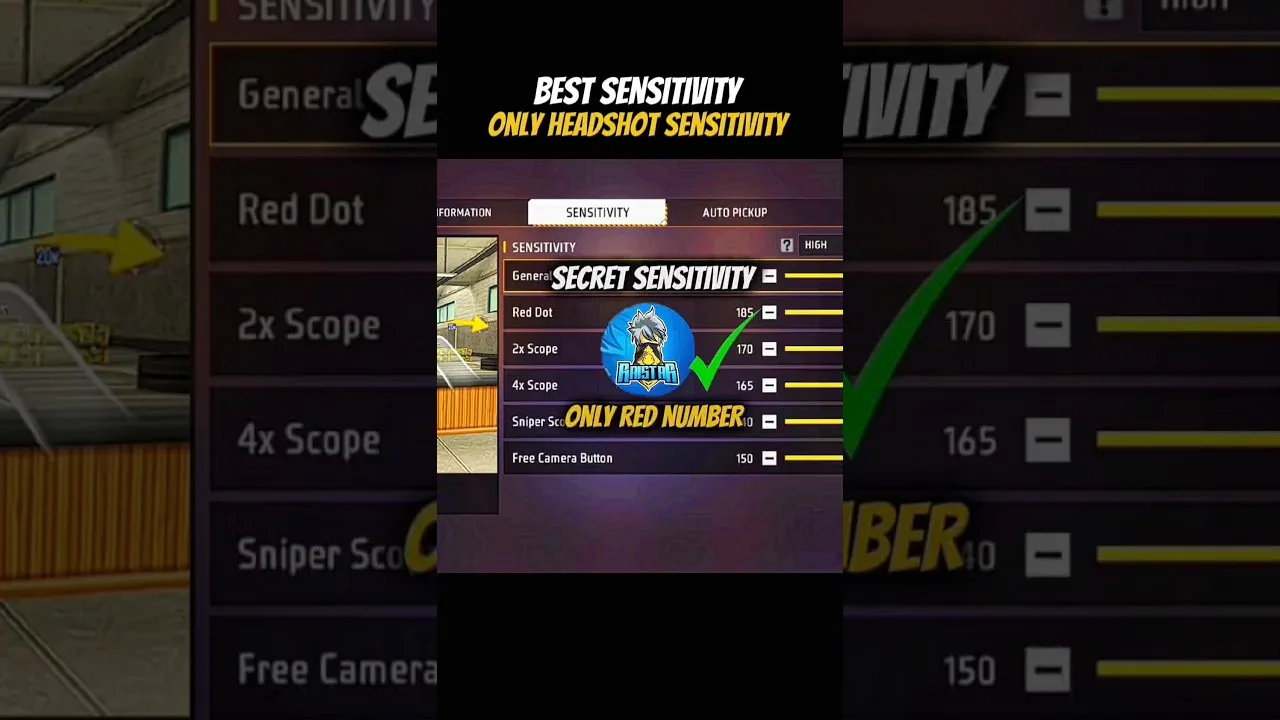
Configure Free Fire Panel for cleaner drag headshots: the general and red dot relationship, testing at two distances, and the practice that converts settings into skill.
Read more