How to Update Free Fire Panel to the Latest Version
Update Free Fire Panel safely: check your version, install over the existing app, and keep your sensitivity setup exactly as you tuned it.
Read more
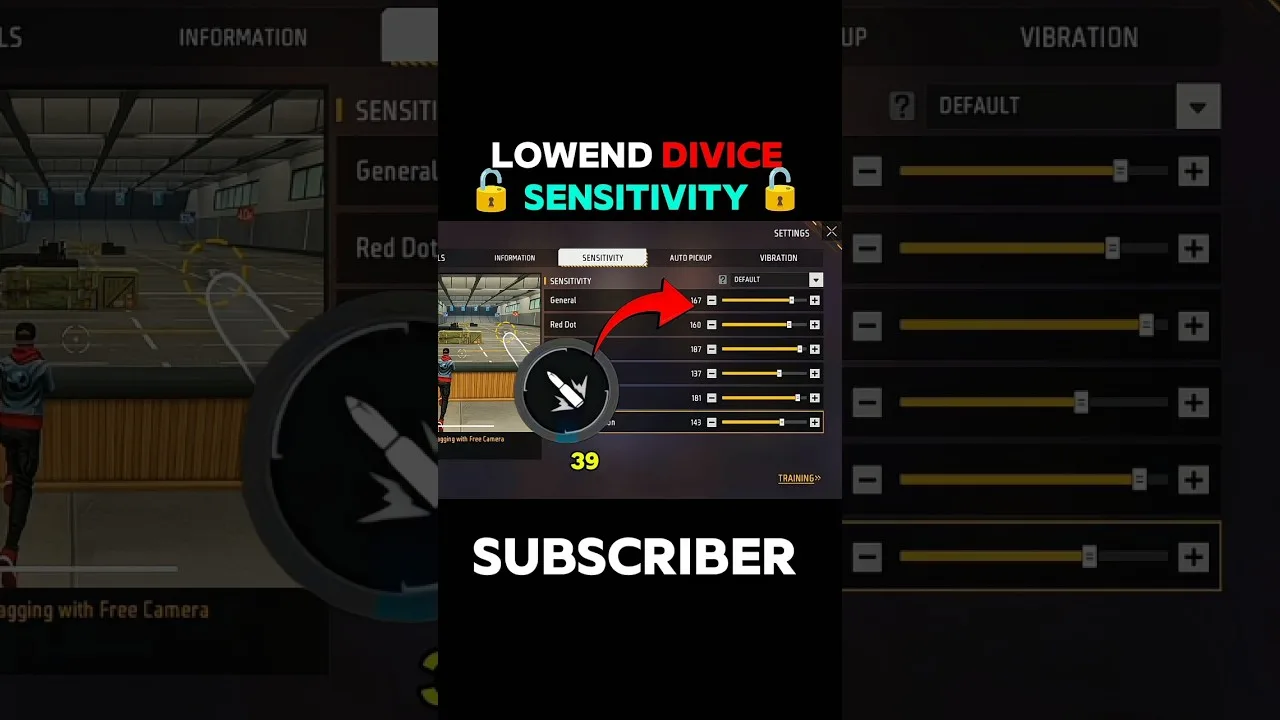
A screen full of sliders is an intimidating welcome to sensitivity tuning, especially when every video online insists a different set of numbers is the one true setup. The truth is kinder: sensitivity in Free Fire Panel sensitivity terms is just how far your aim travels for each swipe of your thumb, divided by situation — moving, aiming, scoped. This guide gives beginners a method for finding their own numbers, which is the only kind that ever worked for anyone.
Methods transfer between phones, seasons, and games. Copied numbers do not. Learn the method once and you are equipped permanently.
Low sensitivity means long swipes and a crosshair that stays calm; high sensitivity means short swipes and a crosshair that flies, with precision as the price. Your ideal point is personal — it sits where your own aim arrives on target without overshooting or falling short, on your phone, with your hands.
The sliders divide that one idea by moment: general movement, the red dot view, and each scope level. They are relatives, not strangers, and they should be tuned as a family in a fixed order. Our sliders explained guide is the family tree.
Begin with everything near the middle of its range and play several honest training sessions there. The middle is not the destination; it is the laboratory — a neutral base from which your misses can give directions. Overshooting targets argues the relevant slider down; arriving late argues it up.
Change one slider at a time, by five to ten points, and give the change a full session before judging. Aim adapts over hours. The classic beginner failure is adjusting three sliders between matches and learning nothing except that everything feels different — which was already obvious.
The same numbers behave differently on a different phone: a small screen turns the same swipe into more crosshair movement, and touch hardware varies in how faithfully it tracks a fast thumb. This is the mechanical reason a favourite player's exact values disappoint on your device.
Before blaming your hands, read the two hardware guides: our device compatibility guide for what your phone class handles, and the phone size and DPI guide for the settings relationship.
Progress has a feel and a number. The feel: fights stop surprising your own crosshair. The number: in counted training drills — twenty drag attempts at a fixed distance — your clean hits climb and then hold across days, not minutes.
Keep a small notebook of changes with dates. A month of that record is worth more than any configuration file, because it is the map of your own aim being drawn in real time.
Middle start, one change at a time, honest testing, written notes. That is the whole beginner method, and Free Fire Panel simply gives it an organised home. The players with the best aim you know did exactly this; they just started earlier.

Update Free Fire Panel safely: check your version, install over the existing app, and keep your sensitivity setup exactly as you tuned it.
Read more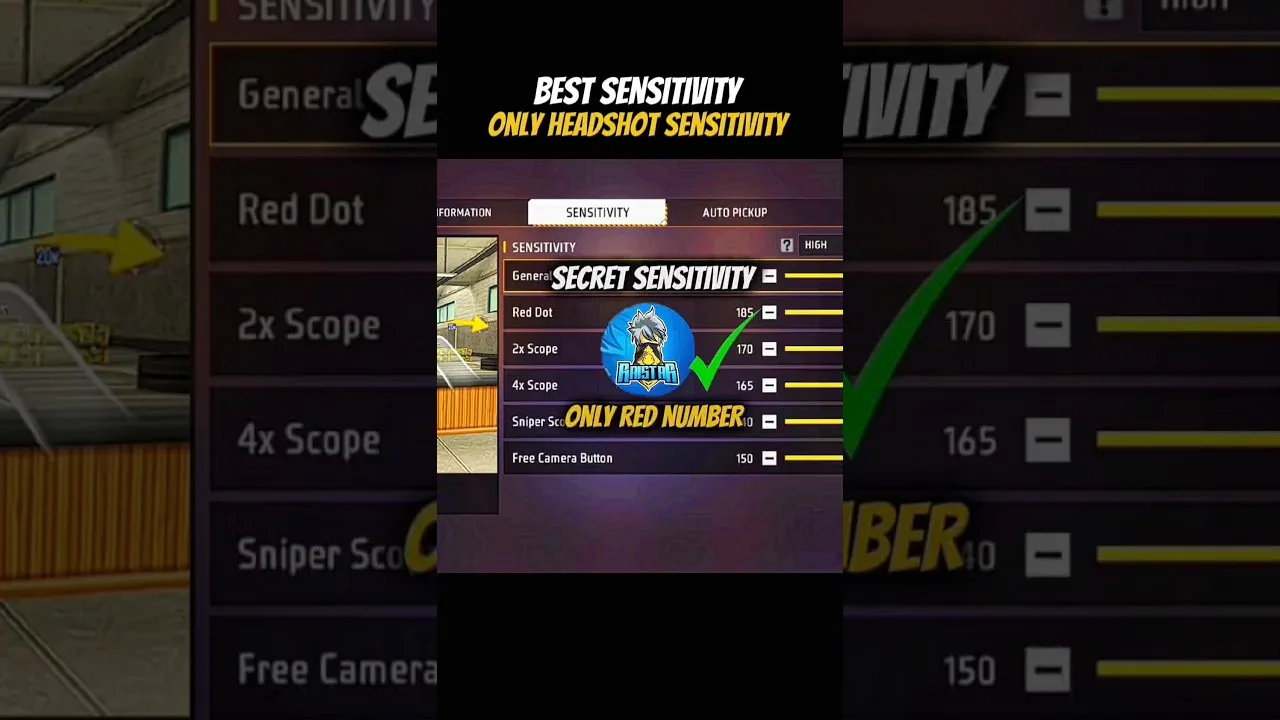
Configure Free Fire Panel for cleaner drag headshots: the general and red dot relationship, testing at two distances, and the practice that converts settings into skill.
Read more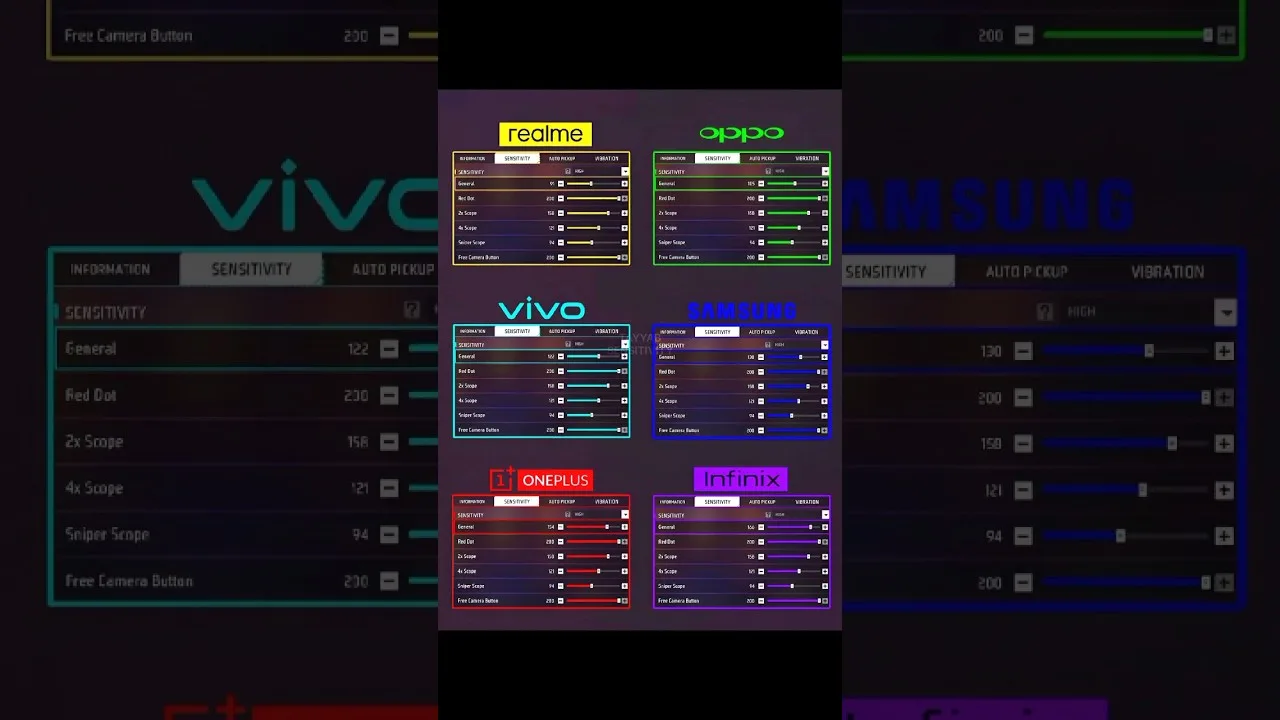
Each Free Fire Panel slider in plain language: general, red dot, 2x, 4x, sniper scope, and free look — what it controls and when you feel it.
Read more