How to Update Free Fire Panel to the Latest Version
Update Free Fire Panel safely: check your version, install over the existing app, and keep your sensitivity setup exactly as you tuned it.
Read more
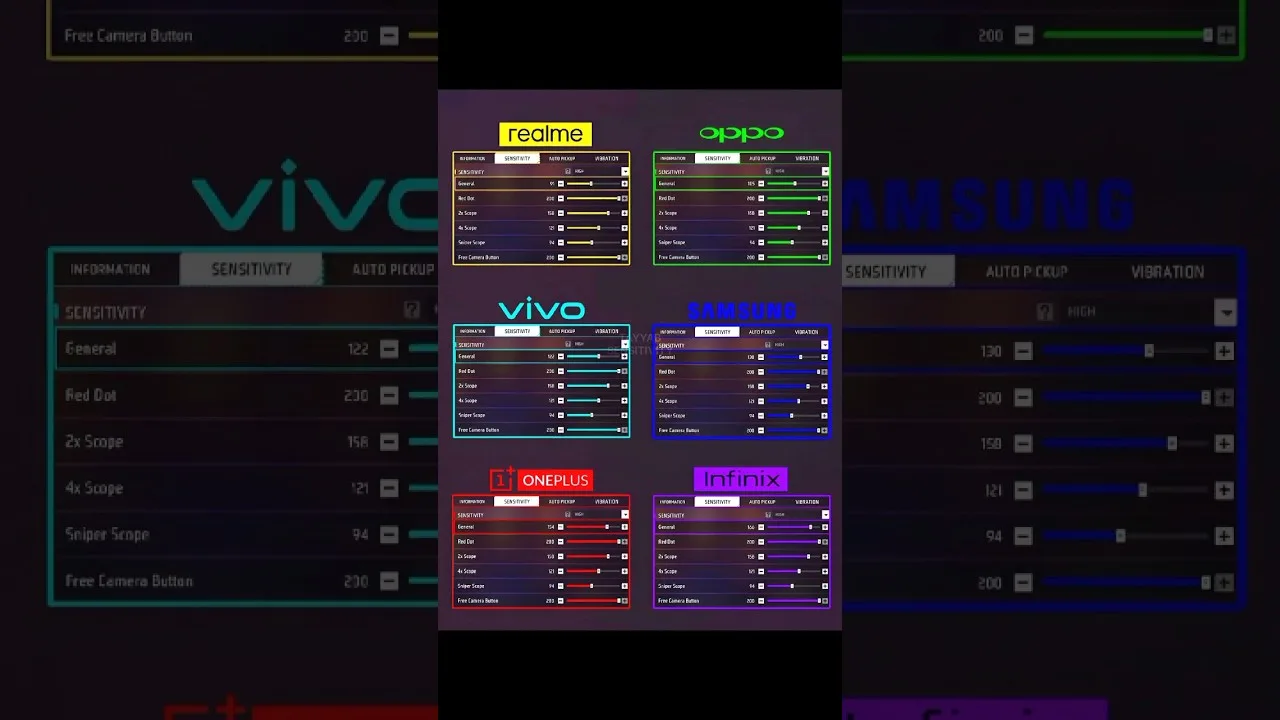
Six sliders face you on the sensitivity screen, and they look like six copies of the same question. They are not: each one governs a different moment of a fight, and confusing them is the root of most failed tuning sessions. This reference walks the sensitivity screen of Free Fire Panel sliders one control at a time — what it does, when you feel it, and what symptom points at it when aim feels wrong.
Keep it beside you during a tuning session. It is written as a tool, and tools are meant to be used with dirty hands.
General sensitivity controls camera and crosshair movement outside scoped aim: hip-fire, turning, tracking at close range, and the base behaviour of every drag. It is experienced more than all other sliders combined, which is why it is tuned first and changed most carefully.
Symptoms that name it: close fights feeling sluggish against strafing opponents, or a crosshair that will not hold a doorway without trembling. Both are general speaking.
Red dot sensitivity governs aim inside the red dot sight — the working view for close and mid-range engagements and the home of deliberate drag headshots. For most players it is the second-most-important value in the app, and it is tuned immediately after general, at realistic fight distances.
If your drags overshoot the head inside the sight but feel right from the hip, do not touch general: that contrast is the red dot slider identifying itself. Our headshot settings guide is built on exactly this relationship.
The 2x slider serves mid-range engagements; the 4x serves deliberate shots at distance. Magnification multiplies apparent motion, so each step up the ladder should step the value down — the same swipe must calm the crosshair more when the world looks closer.
Set them as relatives of the red dot, then verify each with its own drill. The dedicated treatment — tracking tests, placement tests, sniper discipline — is our scope settings guide.
Sniper scope sensitivity governs the highest magnifications, where the work is micro-correction: acquire, adjust once, fire. It conventionally sits lowest of all. Free look is the outlier — it steers the camera when you look around without turning your character. It fires nothing, so set it by pure comfort; situational awareness is its contribution to fights you survive before they start.
Ignoring free look is a quiet mistake: the player who checks flanks smoothly does so often, and often is what saves lives.
Aim diagnosis is pattern-matching: hip-fire chaos points to general, sight overshoot to red dot, a scope that oscillates around the target to that scope's value, late turns to general again. Match the symptom to the moment, and you have matched it to the slider.
Change the accused slider alone, test honestly, and record the result. Six controls stop being a crowd and become a labelled toolkit within a week of this discipline.
General is the foundation, red dot the fight winner, scopes a descending ladder, free look the quiet guardian. Learn which moment each governs and tuning becomes diagnosis instead of gambling — the single upgrade that separates players who improve from players who merely adjust.

Update Free Fire Panel safely: check your version, install over the existing app, and keep your sensitivity setup exactly as you tuned it.
Read more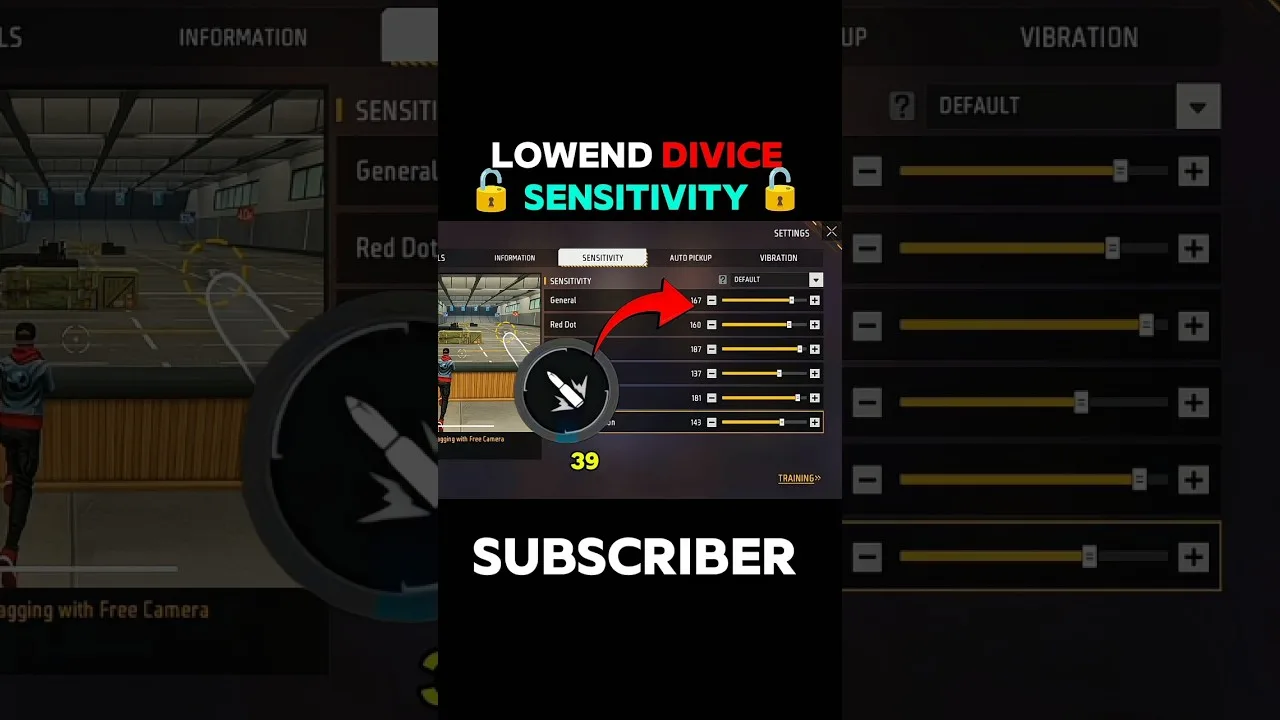
Beginner sensitivity tuning with Free Fire Panel: what the settings mean, a safe starting method, and how to reach a setup that is truly yours.
Read more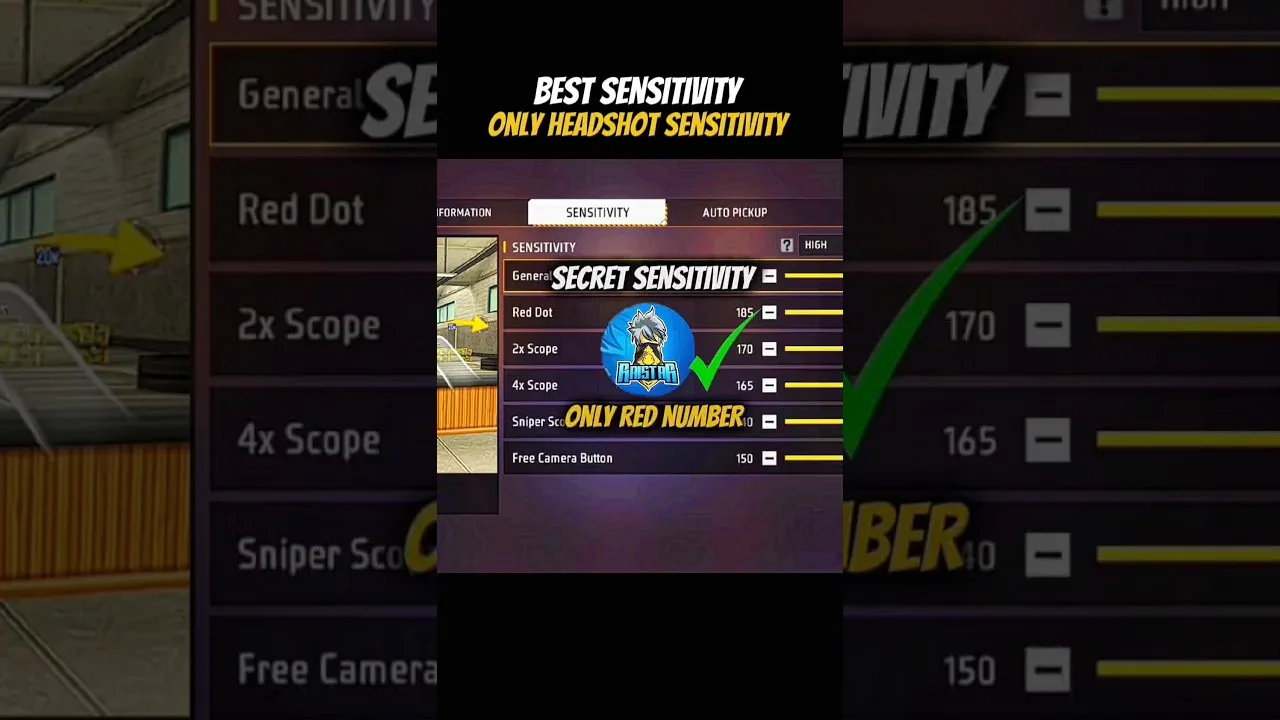
Configure Free Fire Panel for cleaner drag headshots: the general and red dot relationship, testing at two distances, and the practice that converts settings into skill.
Read more