How to Update Free Fire Panel to the Latest Version
Update Free Fire Panel safely: check your version, install over the existing app, and keep your sensitivity setup exactly as you tuned it.
Read more
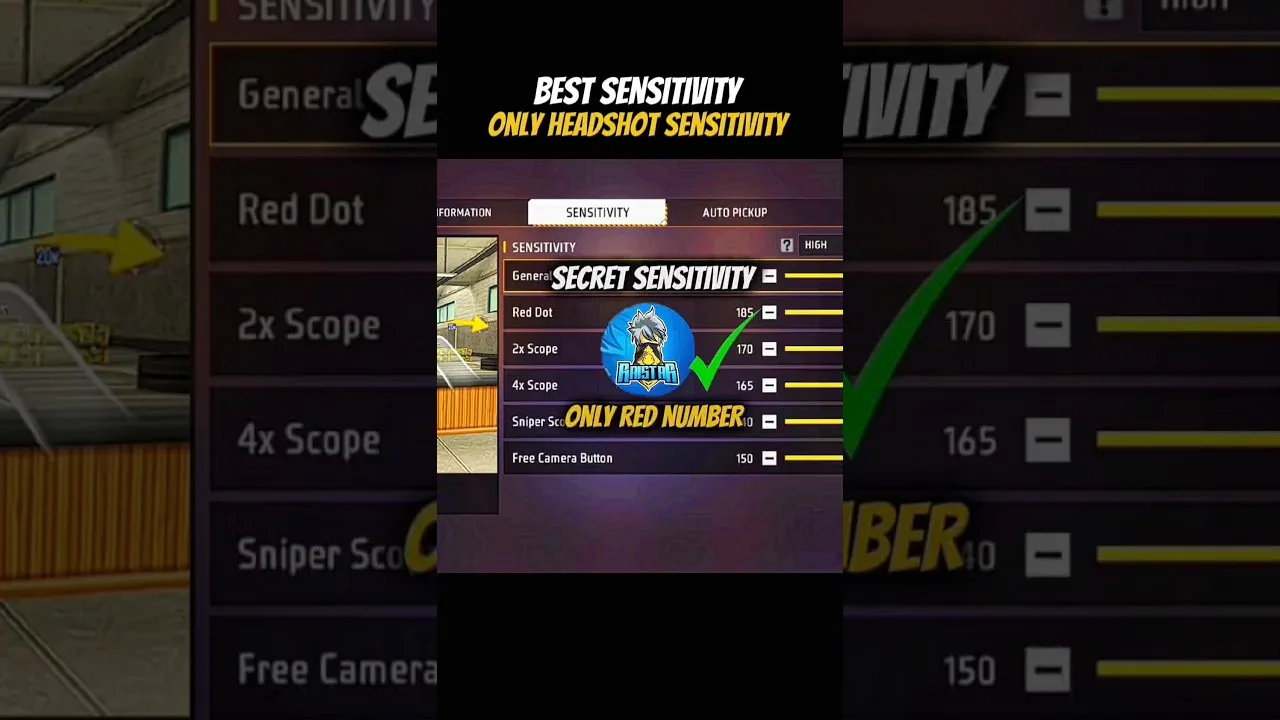
The drag headshot is the signature close-range skill: fire, drag upward in one controlled motion, and let the crosshair climb from chest to head as the shots land. Whether that motion feels like a guided rail or a wrestling match is decided largely by two settings inside Free Fire Panel headshot setup — general and red dot sensitivity — fitted to your phone and your natural swipe. This guide fits them properly.
One truth before the numbers: settings arrange the conditions, practice produces the headshots. The guide therefore ends where improvement actually happens — in a counted training drill.
General sensitivity drives the crosshair during hip-fire and through the drag itself; red dot sensitivity governs the same motion inside the red dot view, where most deliberate drags are performed. Together they are the headshot system. Scopes, whatever their other virtues, are spectators at this distance.
Tune general first, then red dot, then leave scopes for their own session. The order matters because each refinement is judged against the foundation beneath it — a principle the full sliders explained guide develops across all six settings.
In training, take your stance at a realistic fight distance and perform the drag your thumb naturally wants to make — no straining for a textbook motion. Where the crosshair finishes is the diagnosis: dying at the neck means the governing sensitivity rises a few points; sailing over the head means it falls.
Repeat twenty times per adjustment and trust the pattern, not the best attempt. Then repeat the whole exercise closer in, because a drag setup must serve two distances — and the honest compromise between them is what a real setup is.
Screen size stretches or compresses the same swipe; DPI shifts the system's measurement of it. A setup that prints headshots on a large phone can be unusable on a compact one at identical numbers, which is not a mystery but arithmetic.
When hardware changes, carry the relationships between your sliders and recalibrate the level. Our phone size and DPI guide gives the recalibration checklist, and it takes an afternoon at most.
Ten minutes of counted drags — same distance, same target, score out of twenty — teaches more than an evening of matches, because matches divide your attention among loot, position, and survival. Aim gets the leftovers there; in training it gets the whole session.
Write the score down daily. The day it climbs and stays climbed across three sessions, your setup and your skill have formally met. Structured drills for every slider live in our training testing guide.
Fit general and red dot to your natural swipe at two distances, respect your hardware, and practise in counted sets. Headshots stop being accidents and start being statistics — and statistics can be improved, which luck cannot.

Update Free Fire Panel safely: check your version, install over the existing app, and keep your sensitivity setup exactly as you tuned it.
Read more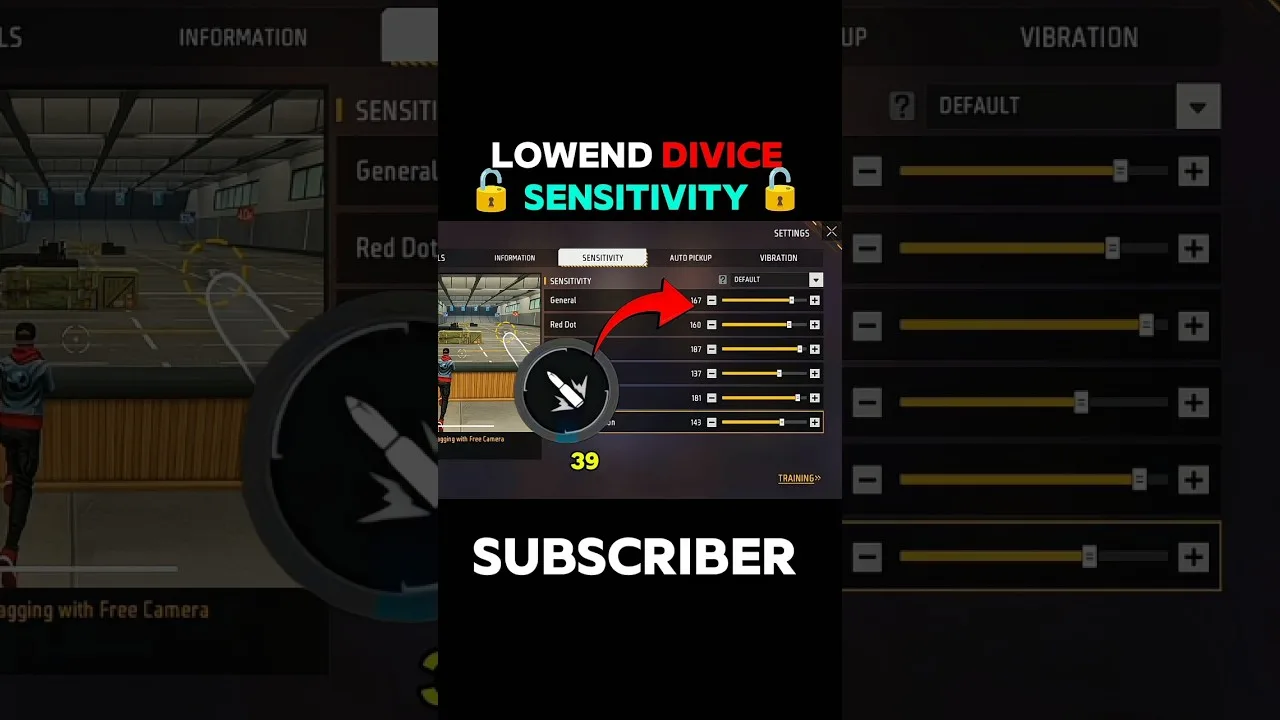
Beginner sensitivity tuning with Free Fire Panel: what the settings mean, a safe starting method, and how to reach a setup that is truly yours.
Read more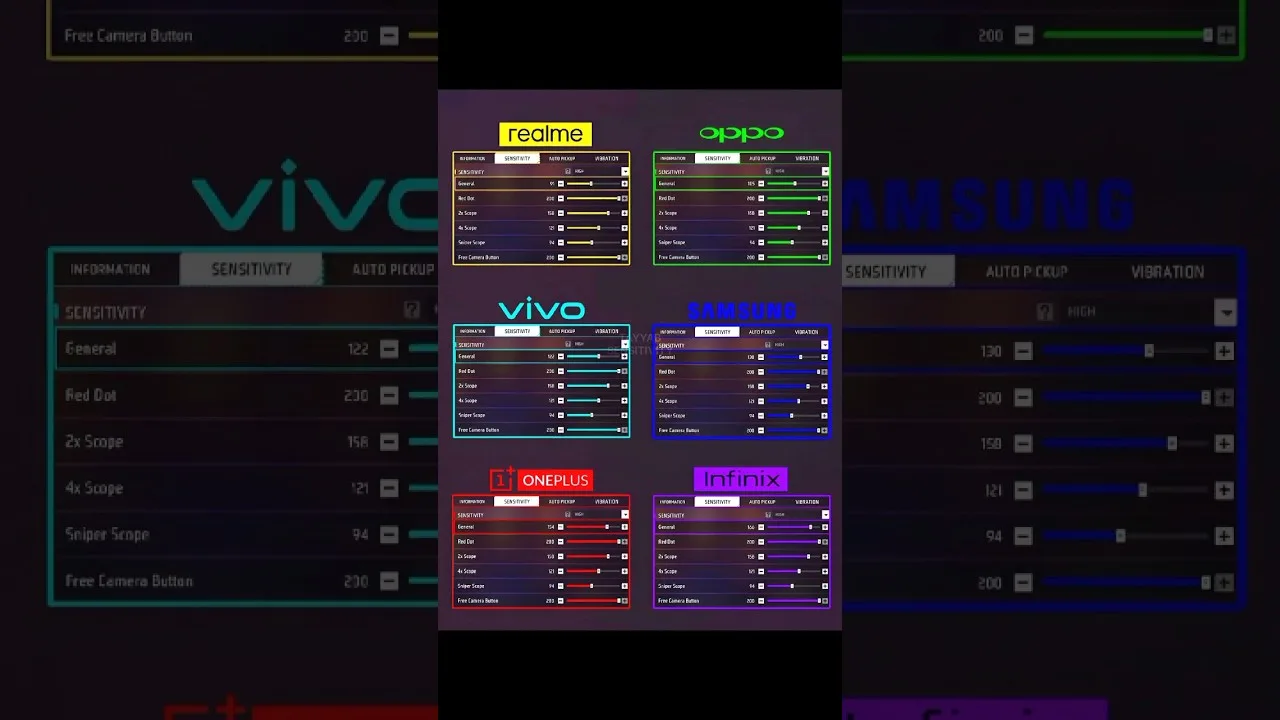
Each Free Fire Panel slider in plain language: general, red dot, 2x, 4x, sniper scope, and free look — what it controls and when you feel it.
Read more