Free Fire Panel Sensitivity for Beginners: A Calm Starting Guide
Beginner sensitivity tuning with Free Fire Panel: what the settings mean, a safe starting method, and how to reach a setup that is truly yours.
Read more
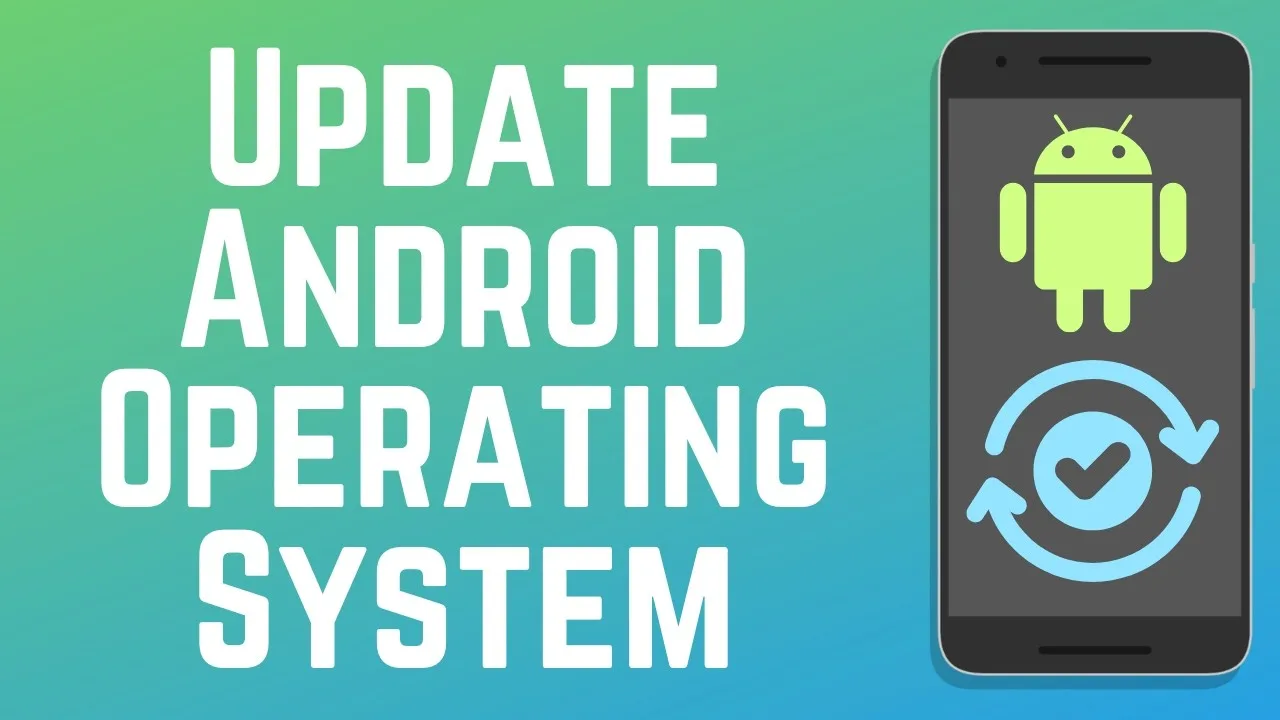
A tuning utility lives in a moving world: the game changes with every season, Android changes underneath it, and phones change in your pocket. Keeping Free Fire Panel for Android updated keeps its sensitivity tools compatible with all three. This guide walks through checking your version, updating in place, and making sure the setup you spent weeks perfecting survives the process untouched.
That survival is the point players care about, so the guide begins with it: a correct update replaces the app's code and keeps your data. Your profiles and values carry across.
Locate the version in the app's settings or about section and write the number down. After the update, the changed number is your only certain proof that the new build installed rather than the download failing silently behind a reassuring progress bar.
While you are there, take the two-minute insurance step: record your current sensitivity values somewhere outside the app — every slider, in a note that syncs or on paper. Our backup and restore guide explains why that little record is the most valuable file a tuned player owns.
Get the new build from the download page and install it over the existing app. Android will confirm the replacement; accept, and let the installation finish completely before opening anything. Interrupting an update halfway can leave the app half-written and behaving oddly in ways that look like bugs but are really just an unfinished install.
If the install is blocked, the usual cause is the per-source install permission attached to your browser or file manager. The original steps in our installation guide show where that permission lives, and the same setting governs updates.
Open the updated app and compare your profile values against the record you made. Then play one training session purely as a check: numbers can match while something elsewhere — a system setting reset by a phone update, for instance — quietly changes the feel, and your hands will catch what your eyes miss.
If anything was lost despite everything, restore from your written values rather than reconstructing from memory. With the record, the rebuild is two minutes; without it, it is two weeks of re-testing.
Every few weeks as a rhythm, and promptly whenever a game update noticeably changes how aiming feels, because that is the moment a stale utility starts working against current game behaviour. Within a week or so of noticing a new version is the balanced habit — late enough to dodge day-one quirks, early enough to stay compatible.

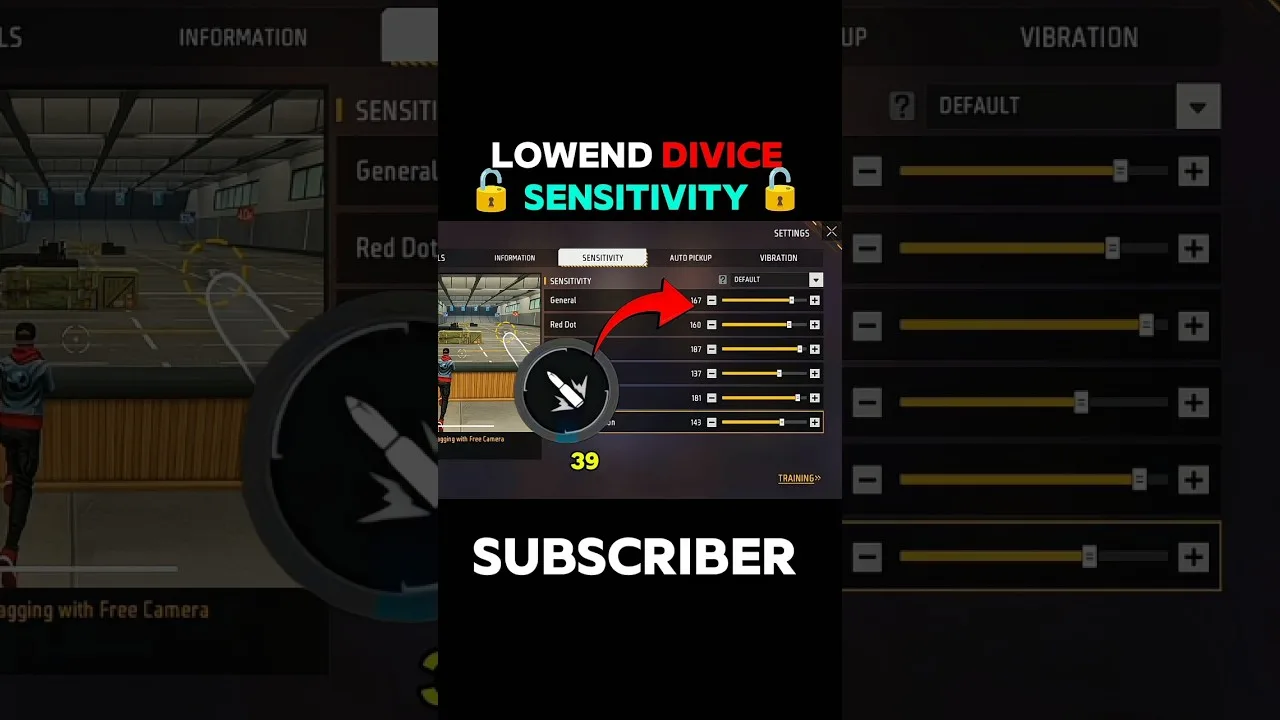
Beginner sensitivity tuning with Free Fire Panel: what the settings mean, a safe starting method, and how to reach a setup that is truly yours.
Read more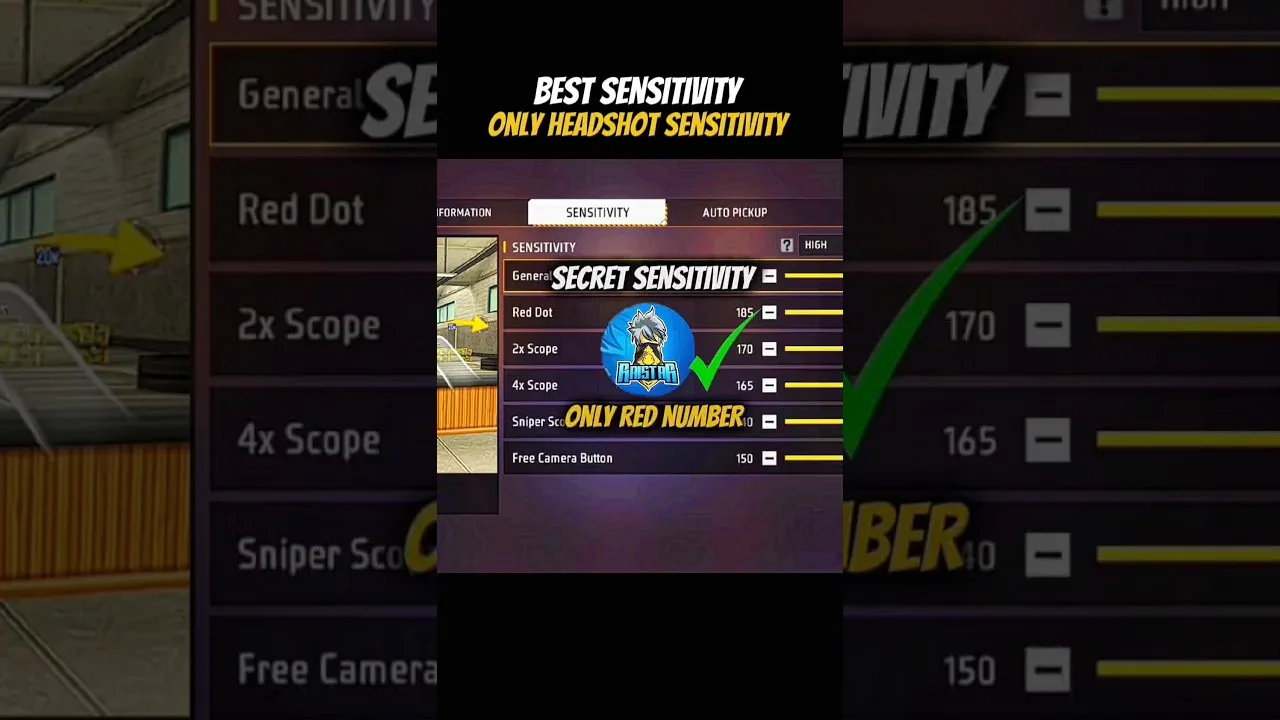
Configure Free Fire Panel for cleaner drag headshots: the general and red dot relationship, testing at two distances, and the practice that converts settings into skill.
Read more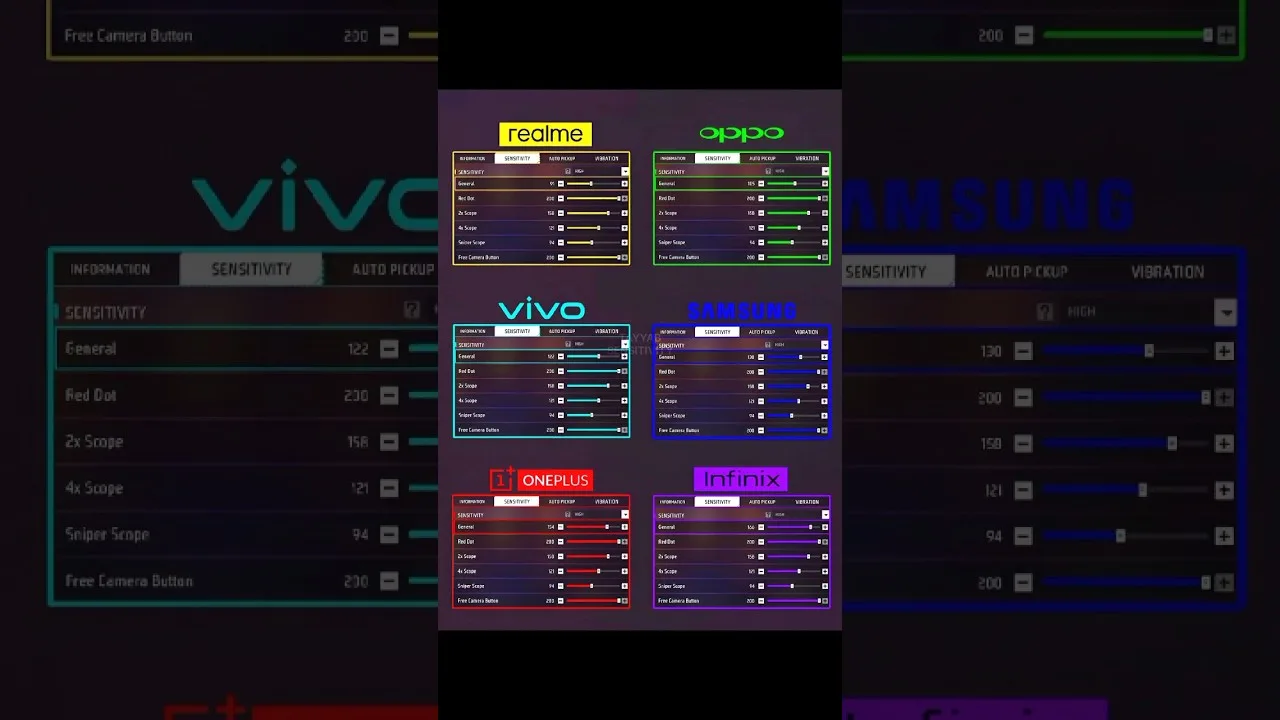
Each Free Fire Panel slider in plain language: general, red dot, 2x, 4x, sniper scope, and free look — what it controls and when you feel it.
Read more