How to Update Free Fire Panel to the Latest Version
Update Free Fire Panel safely: check your version, install over the existing app, and keep your sensitivity setup exactly as you tuned it.
Read more
Every tuned player eventually faces the blank screen: new phone, factory reset, accidental uninstall — and six hard-won numbers nowhere to be found. Backing up Free Fire Panel backup settings is a two-minute habit that demotes that catastrophe to a minor errand. This guide covers the reliable methods, in order of importance: the written record, deliberate use of profiles, and a restore routine designed for real hardware rather than identical hardware.
The principle underneath all of it: a backup must live outside the thing it protects.
Open the sensitivity screen and transcribe every value — general, red dot, 2x, 4x, sniper scope, free look — with the date, the phone model, and any DPI or display changes you run. Store it where it survives the phone: a synced notes app, an email to yourself, paper in a drawer.
Refresh the record whenever a change survives its three-session audit. A stale record restores last month's experiment; a current one restores your aim. The audit system that should trigger updates is detailed in our training testing guide.
Where profiles are available, assign each a role: main device, second device, and one experimental slot where new ideas are tried without endangering the proven configuration. Name them by role and date — 'Main phone, current' tells future-you everything; 'New 3' tells nothing.
The experimental slot is the practical heart of good tuning: changes audition there, and only promoted values reach the main profile. That discipline is the same one argued in our panel versus manual comparison.
Install on the new device, enter the recorded values exactly, restore your DPI choice if you had one — and then recalibrate, because different hardware shifts the feel of identical numbers. Run the two-distance drag test, adjust the level of the ladder while preserving its internal relationships, and record the new set under the new device's name.
The contrast is the whole argument: with a record, a phone change is an afternoon of fine adjustment; without one, it is a rebuild from memory and folklore. The hardware mechanics are explained in our phone size and DPI guide.
Anchor the record-check to an event that already happens: whenever you update the app, spend sixty seconds confirming the record still matches the screen. Our update guide builds that check into its routine for precisely this reason — updates are when drift is both most likely and easiest to catch.
Write it outside the app, give profiles jobs, restore by recalibration rather than blind copying, and audit the record at every update. Two minutes at a time, a few times a year — the full price of making your aim indestructible.

Update Free Fire Panel safely: check your version, install over the existing app, and keep your sensitivity setup exactly as you tuned it.
Read more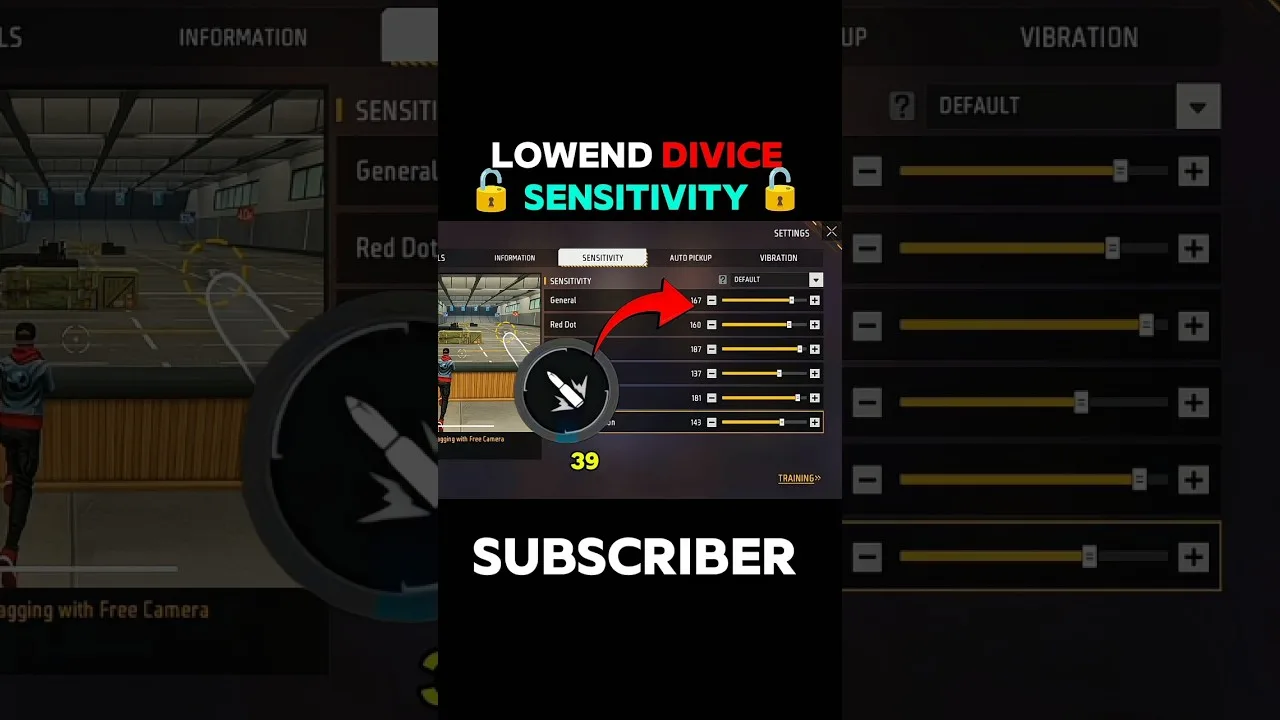
Beginner sensitivity tuning with Free Fire Panel: what the settings mean, a safe starting method, and how to reach a setup that is truly yours.
Read more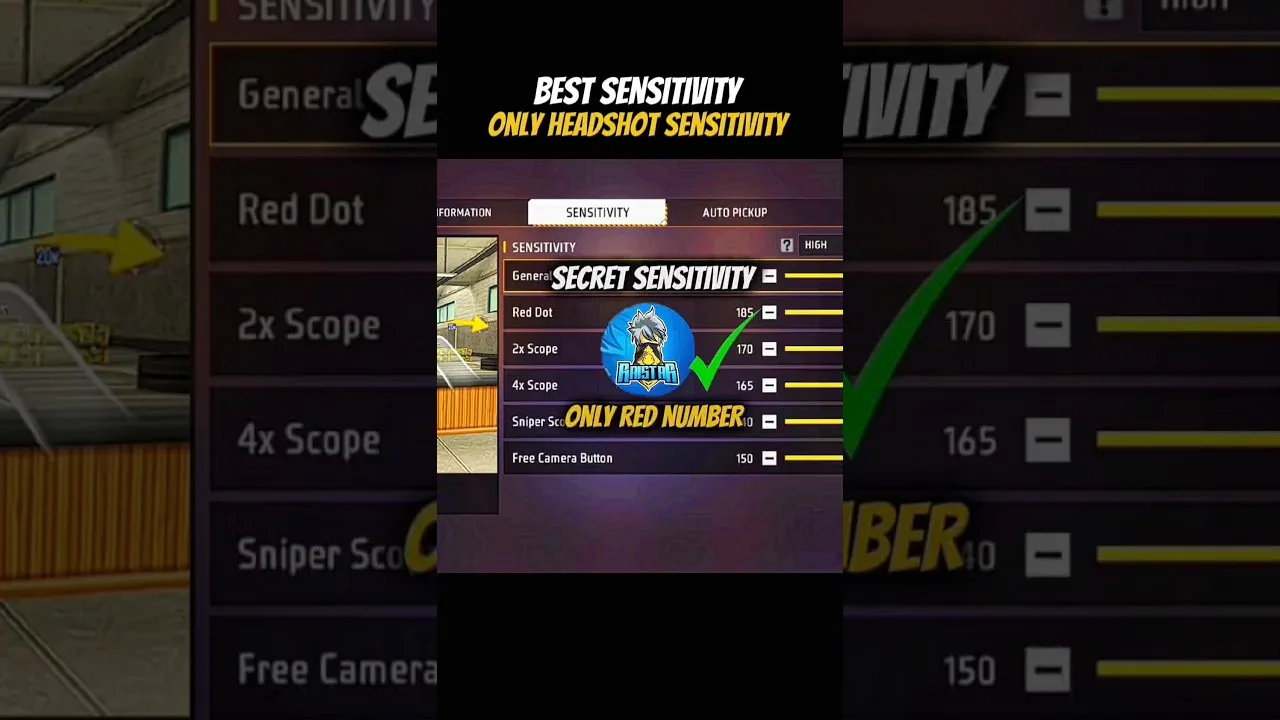
Configure Free Fire Panel for cleaner drag headshots: the general and red dot relationship, testing at two distances, and the practice that converts settings into skill.
Read more