How to Update Free Fire Panel to the Latest Version
Update Free Fire Panel safely: check your version, install over the existing app, and keep your sensitivity setup exactly as you tuned it.
Read more
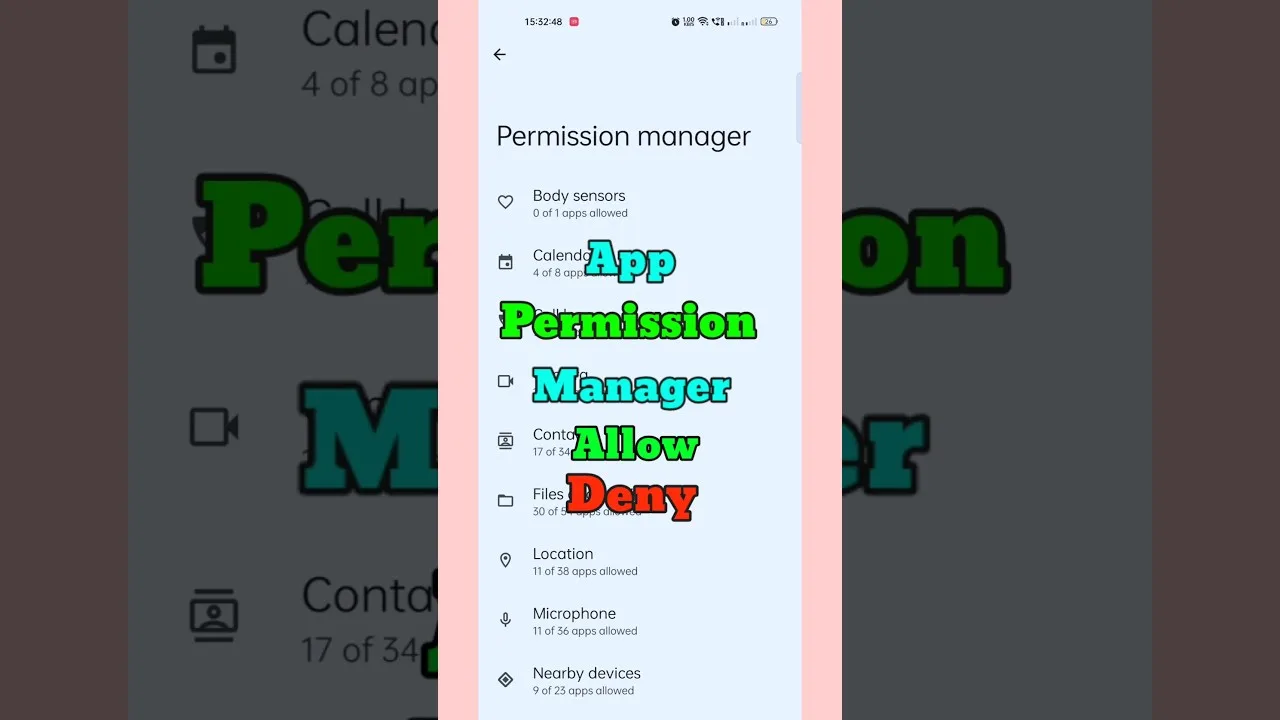
Android's permission prompts are the operating system doing its job in public, and for a utility like Free Fire Panel permissions requests can look mysterious until each one is matched to the feature it powers. This guide does that matching in plain language — overlay, storage, background operation — and shows where in your phone's settings you can inspect or revoke any of them at any time.
The useful question about any permission is never 'why are they asking?' It is 'does this capability correspond to something the app does for me?'
A panel tool's defining request: drawing over other apps is what allows its controls to remain present while the game occupies the screen. Without the overlay capability there is no panel — the feature and the permission are the same thing seen from two sides.
It is also the permission to hold thoughtfully, because an overlay sits above everything. Grant it to apps you installed deliberately for that purpose, and audit the list of holders occasionally in Android's special-access settings — a two-minute review that keeps the capability honest across your whole phone.
Saving profiles and configuration requires somewhere to put them, which is what storage access provides in scoped, modern form — typically the app's own files, exactly as it should be. It is how your setup survives restarts and updates.
If any build ever requests file access far beyond what its features explain, treat that as a prompt to double-check where the file came from before proceeding — a healthy instinct with any app, applied evenly.
A utility meant to be available mid-session must be allowed to stay alive, which is why battery-optimisation exemptions enter the conversation: aggressive power saving suspends background apps, and a suspended panel is an absent one. The exemption is a functional choice for a tool you want present during play.
Notifications, where requested, serve status and quick controls. All of these grants are reversible in the app-info screen: revoke, observe what complains, re-grant if the feature matters. Experiment safely — Android designed the system for exactly that.
Settings, then Apps, then Free Fire Panel, then Permissions shows the current grant list; overlay and battery exemptions live under special-access sections whose exact homes vary by manufacturer. One deliberate tour of those screens converts permissions from folklore into furniture.
If behaviour turns odd after an update, permissions belong on the standard checklist beside storage and cache — our not working fixes include them in that order. Prompts encountered during installation itself are walked through in our installation guide.
Match capability to feature: overlay for the panel, storage for profiles, background life for mid-session presence. Granted knowingly and reviewed occasionally, permissions are your control being exercised — not a leap of faith being demanded.

Update Free Fire Panel safely: check your version, install over the existing app, and keep your sensitivity setup exactly as you tuned it.
Read more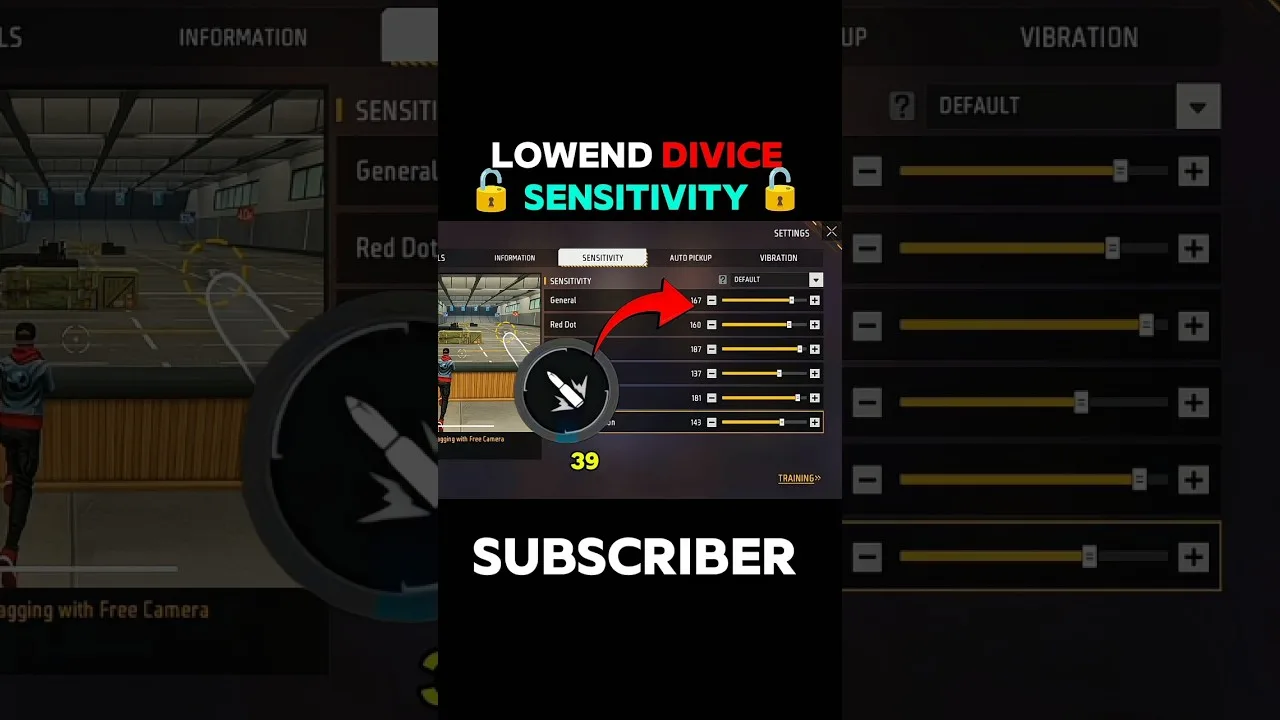
Beginner sensitivity tuning with Free Fire Panel: what the settings mean, a safe starting method, and how to reach a setup that is truly yours.
Read more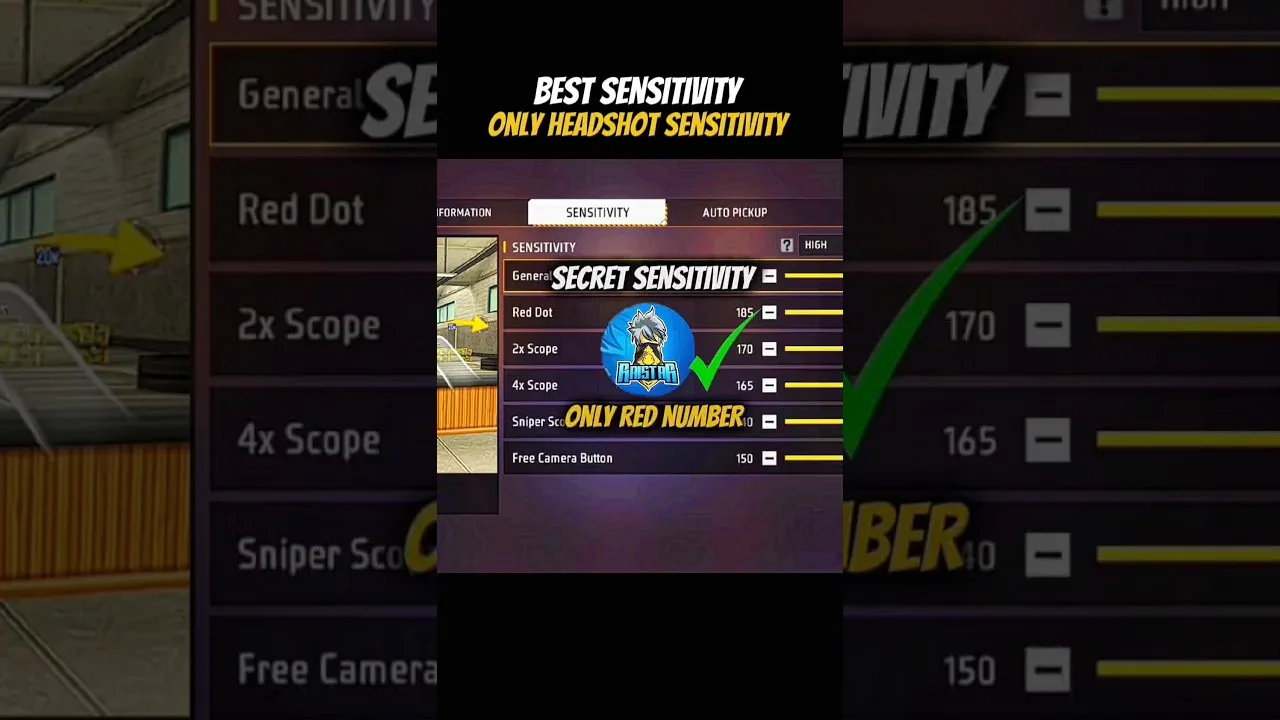
Configure Free Fire Panel for cleaner drag headshots: the general and red dot relationship, testing at two distances, and the practice that converts settings into skill.
Read more